Follows your voice
Read like you talk. Speed up, slow down, stop halfway to think. Nobody watching can tell you are reading.
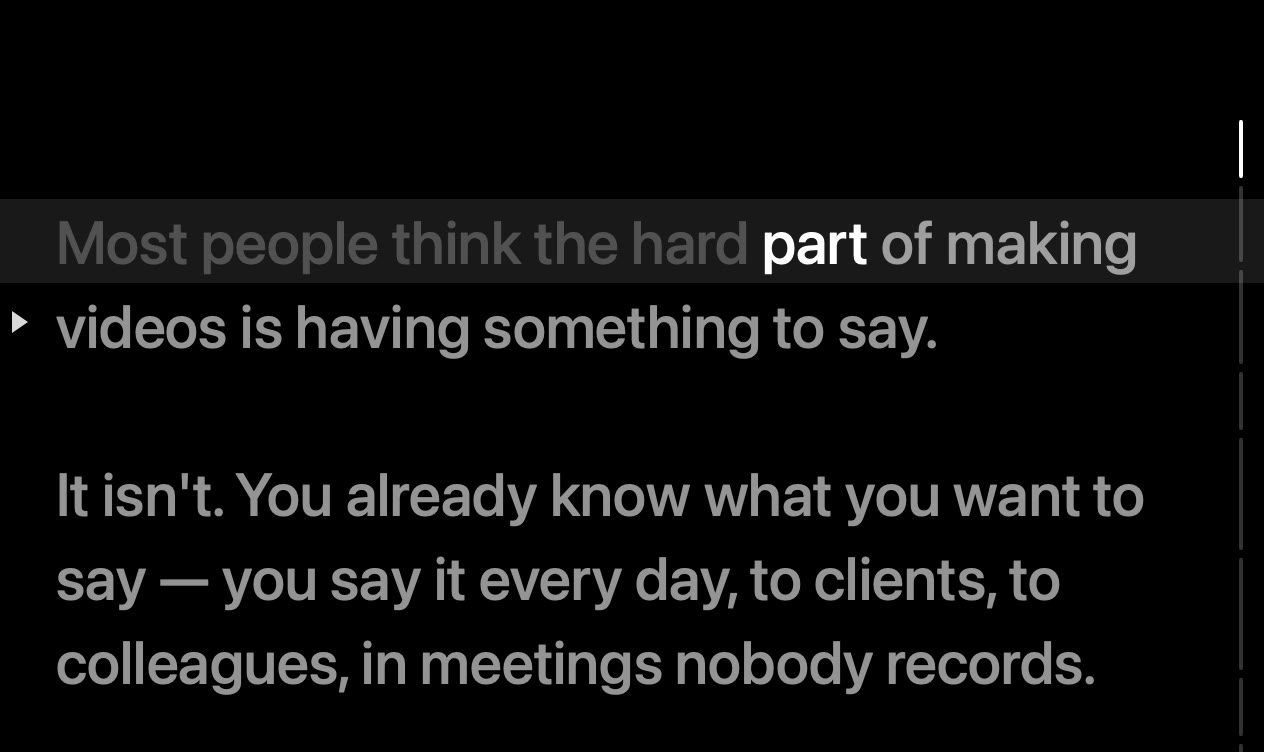
The Mac teleprompter that listens as you read. No scroll speed to set — just your pace, your pauses, your voice.
₹5,899
₹3,499
for the first year, GST included — the first 25 only
Free for three days, no card. macOS 14 or later on Apple silicon.
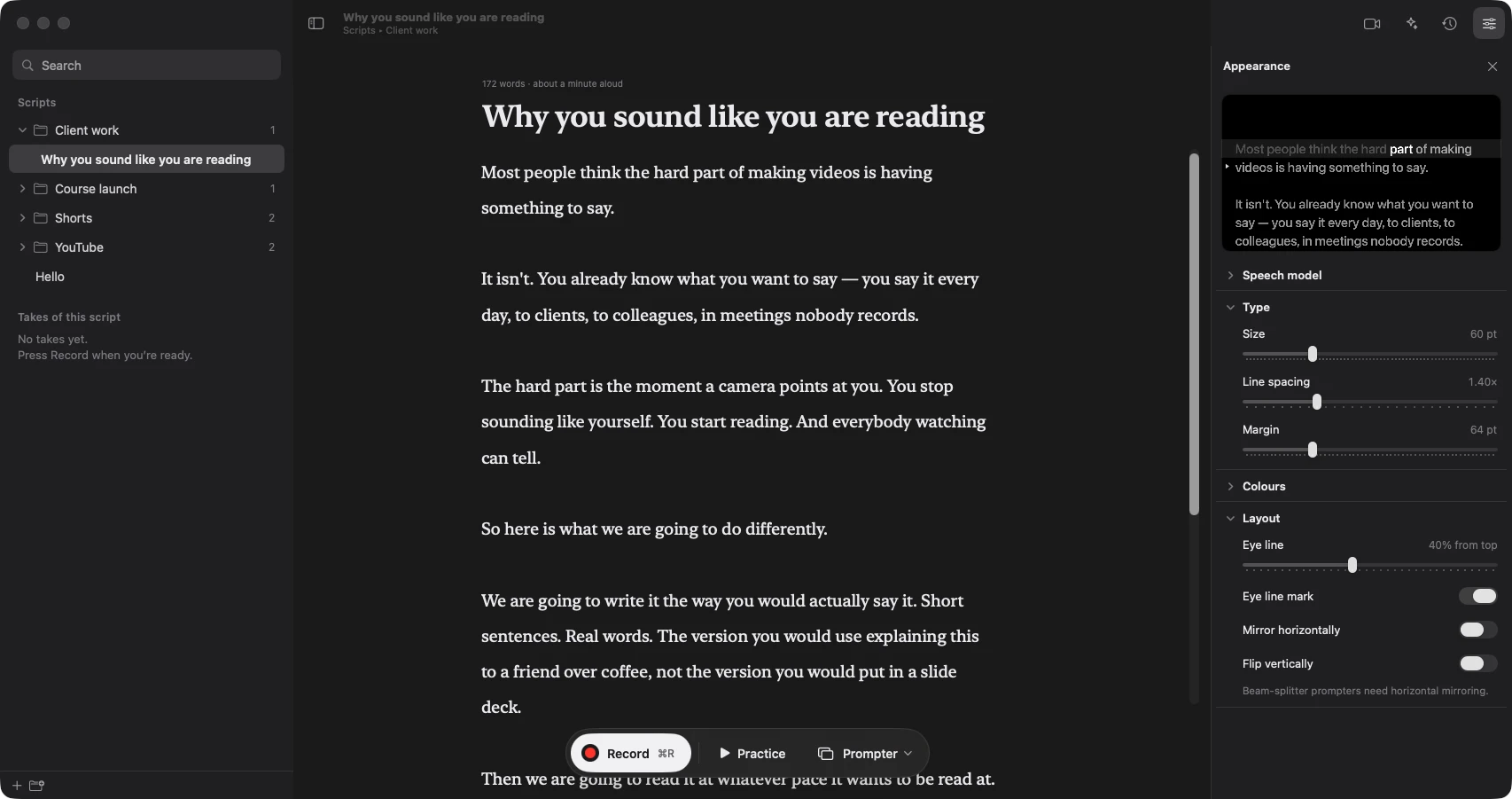
Record at the desk or on the rig. For Apple silicon Macs.
Download for MacNinety seconds of video. Forty minutes and six takes. Here is where they go.
You picked a scroll speed before you had said a word. By the second sentence it was wrong.
You sped up to catch the text. Now you sound like a person reading, because you are one.
You paused to think. The script did not.
You stopped to fix the speed. The delivery you actually liked was in take one, and it is gone.
The ideas were never the bottleneck. The afternoon each video eats is — so the next one waits for the weekend, and never happens. Make it easy, and you make more of them.
OnScript listens as you read and moves with you. Speed up, slow down, stop to think — it stays on your word.
Most people think the hard part of making videos is having something to say. It isn't. You already know what you want to say — you say it every day, to clients, to colleagues, in meetings nobody records. The hard part is the moment a camera points at you. You stop sounding like yourself. You start reading.
Each feature is here because a take was ruined without it.
Read like you talk. Speed up, slow down, stop halfway to think. Nobody watching can tell you are reading.
No second app. Camera, screen, or both, recorded while you read. No minutes, no watermark, no export limit.
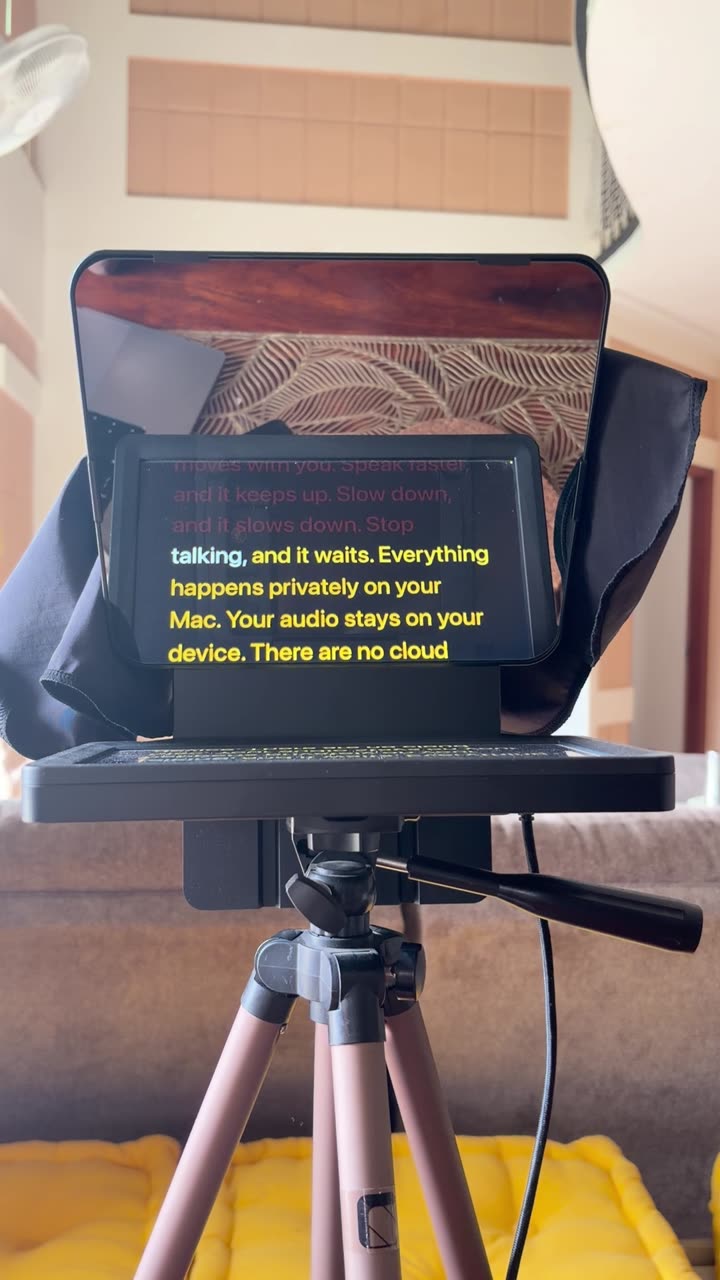
Wi-Fi off.
Private by design. Your voice is heard on your Mac and nowhere else. Audio and recordings are never uploaded.
What stays on your MacNothing interrupts the take. The script fills the display — no notifications, no desktop glowing through.
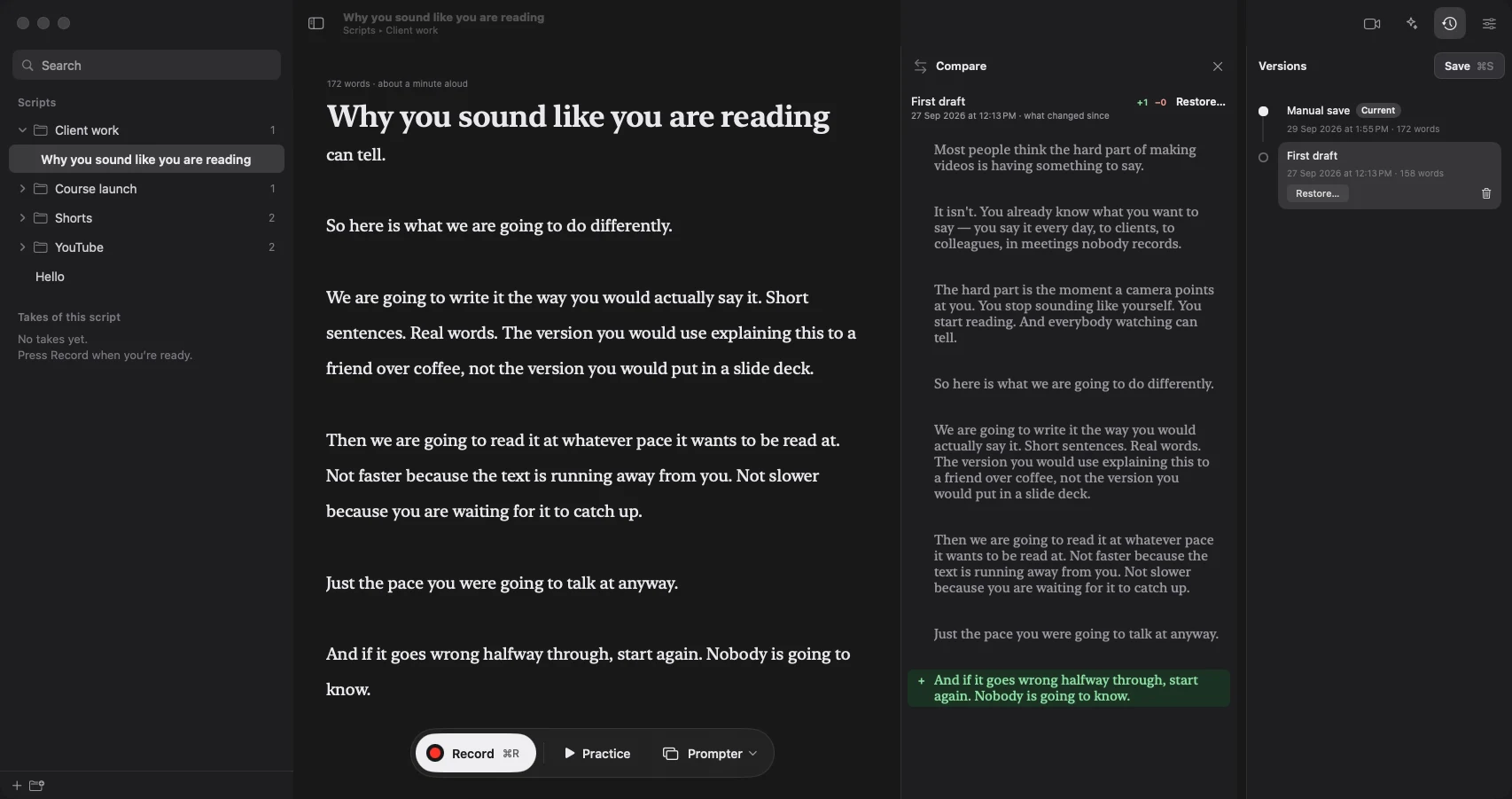
Rewrite without fear. Every version is kept, with the changes laid out side by side.
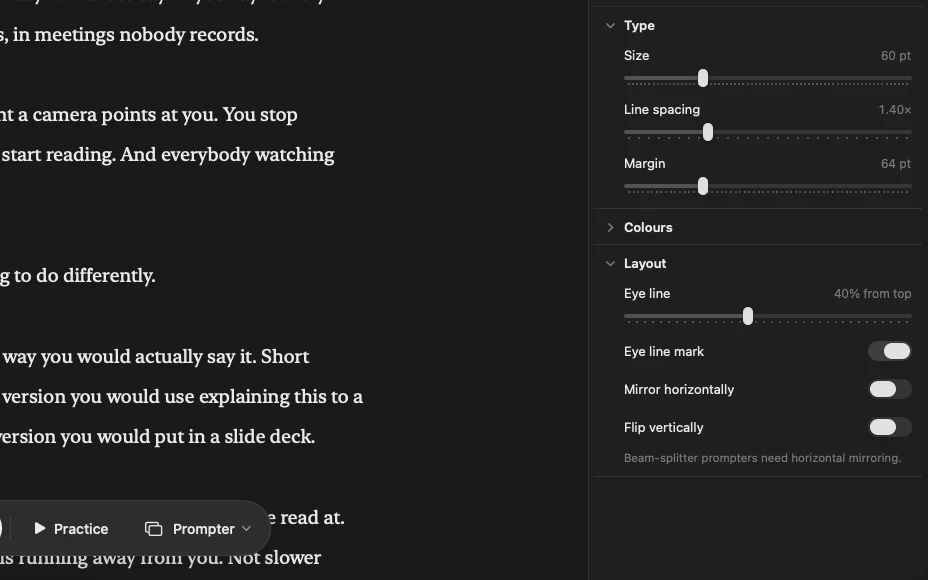
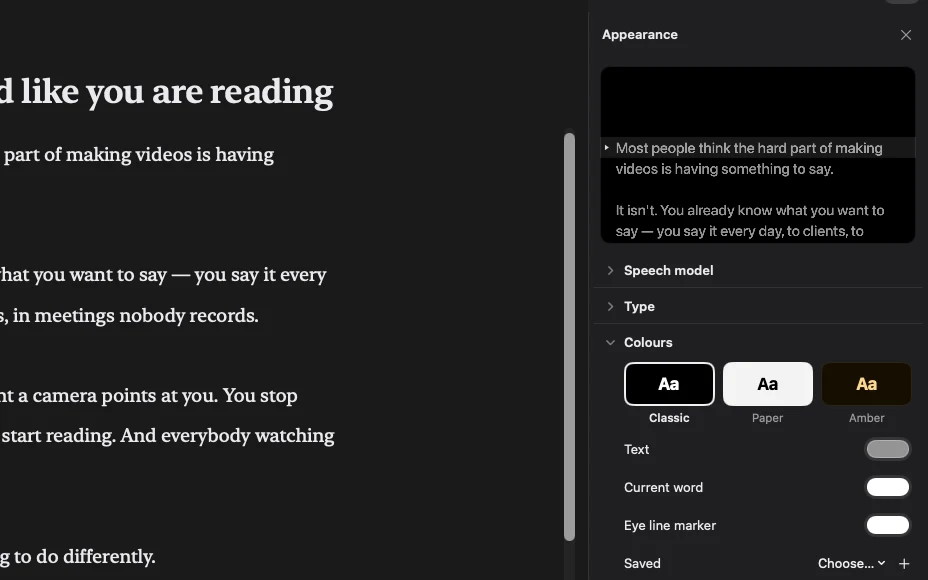
Set it once. Type, spacing and colour tuned to your room and your rig. Readable at two metres.
Go back without starting over. Scroll to move, jump a paragraph at a time, or tap a chapter. Start from any paragraph in the script, then just keep talking.

It matches your Mac’s light or dark setting. Or pick one yourself in Settings.
No speed to set. No second app to record with.
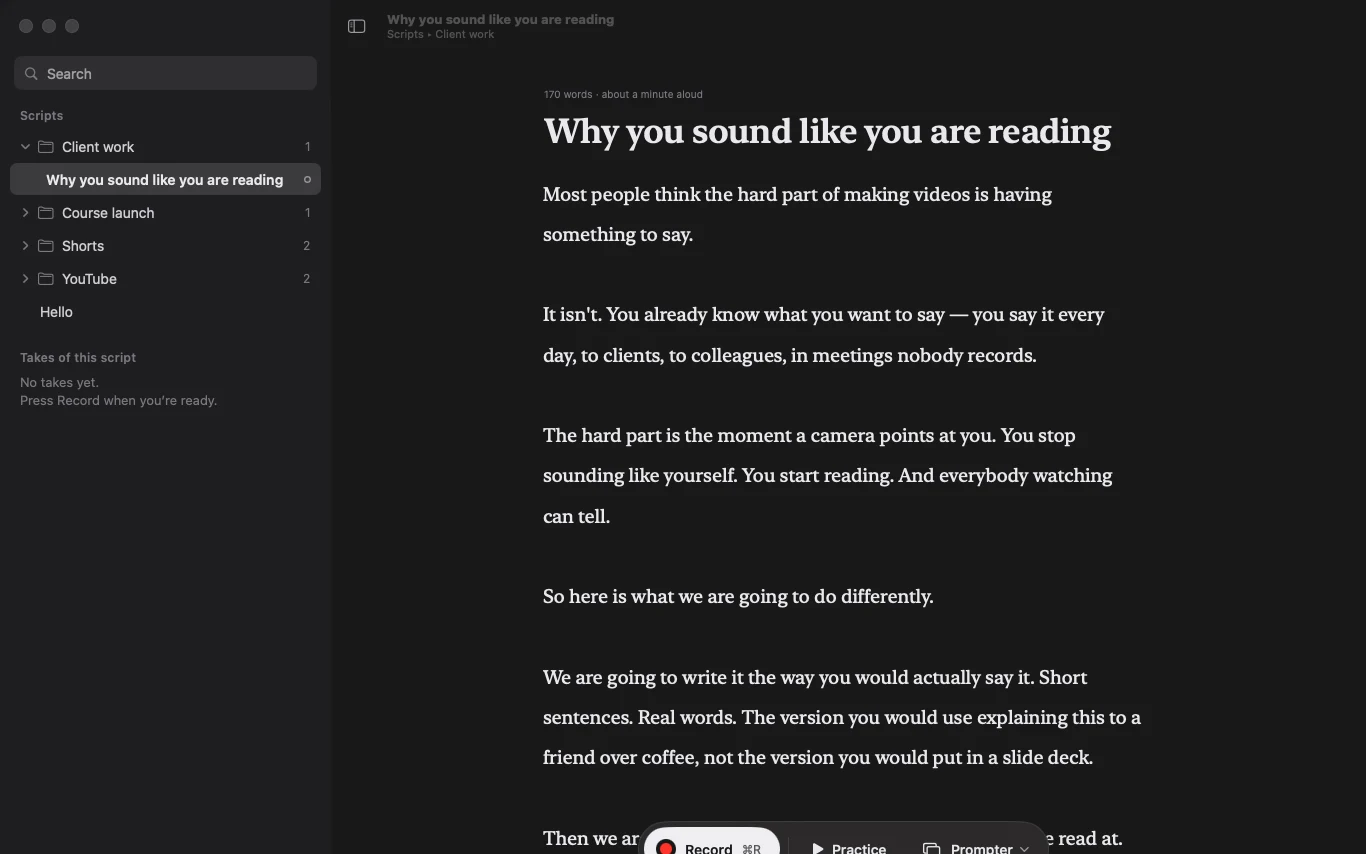
Type it, paste it, or have Claude or ChatGPT write it straight into your library.
Pick the screen, mirror it for the glass, set the eye line. Once.
Start talking. The script follows, and the take is filmed as you go.
From a weekly channel to a one-off launch video.
The script is the easy part. The retakes are not. Read the episode at your real pace, keep the sponsor read sounding like you, and get it in one take.
Try it freeYou need to be on camera, and you are not a presenter. Read the pitch word for word without sounding like it — screen and face in the same take.
Try it freeEvery lesson has a sentence you cannot get wrong. Keep the exact words in front of you, pause to think, and pick up on the word you stopped on.
Try it freeKeep the rig. Lose the speed slider, and the friend scrolling beside the camera. OnScript follows your voice instead.
Try it free


Works with Claude and ChatGPT
They already know your channel. Switch it on and either writes straight into your library — no copy, no paste.
ClaudeMy channel intro rambles again. Cut it to the thing people actually stayed for.
Saved into Episodes — 40 words, hook in the first line.
ChatGPTRewrite this sponsor read so it sounds like me and not like ad copy.
Saved into Sponsors — 45 seconds, superlatives gone.
Pick up where the conversation already is. Ask for a change, not a whole new brief.
Ask for a Short off the back of an episode. It lands in the right folder, ready to read.
Every edit saves the old text to version history first. No draft quietly disappears.
Your voice is heard on your Mac and nowhere else. Audio and recordings are never uploaded, and following your voice works offline. Scripts leave only when you ask an AI feature for something. Anonymous usage counts can be switched off.
No per-minute billing, no watermarks, no upsells. Every update released in your year is included.
No sign-up, no survey, no email to confirm. Open it, paste a script, talk.
Three days free, no card. After that the prompter stays yours — the licence adds voice-following and recording.
Launch price — the first 25
₹3,499 for the first year, GST included
Then ₹5,899 a year. Buy at the launch price and you renew at the launch price.
Free for three days, no payment details. Full refund within 30 days, no reasons needed.
Anything else, write to support@useonscript.com and a person will reply.
It listens as you read and keeps the word you are on at the eye line. Speed up, slow down or stop, and it does the same. There is no scroll speed to set.
No. Your voice is heard on your Mac and nowhere else. Audio and recordings are never uploaded, and following your voice works with the Wi-Fi off.
Yes. Pick your rig's display, mirror or flip the text for the glass, and set the eye line. Type, spacing and colour keep it readable across the room.
Yes — camera, screen, or both, while you read. Record as much as you like: no minutes, no watermark, no export limit.
Yes. Switch it on in the app and either writes straight into your library. Every edit saves the old text to version history first.
The prompter stays yours to use. The licence adds voice-following and recording. The trial needs no card.
No. Nothing renews on its own and we do not keep your card. One licence covers one Mac for a year, with every update released that year.
macOS 14 (Sonoma) or later on Apple silicon — M1 or newer. Intel Macs are not supported.
Yes. A full refund within 30 days of buying, no reasons needed.
Paste a script, point it at your prompter, and talk.
Download for Mac Buy — ₹3,499 for the first year